Table of contents
Open Table of contents
Introduction
I just want to share how I organize my life to achieve maximum productivity. I believe most things work for me specifically and may not work for you, but I hope you take at least one useful thing from this article.
I do not want to narrate, I will just put the points one by one. Some of those things are taken from other people, the other things I adjusted for myself completely.
I divided the items into two categories: in the first part I will talk about things applicable to your entire life, in the second part, specifically to IT Life.
Life Productivity
Note Taking
You are not a machine, you are a human. So, you forget. So, you should write down!
Of course, it is not applicable to some genius people, but 99% are normal.
“What should I write?” - you would say.
Firstly, when you study something, it is better to take notes too:
- you understand content better - muscle memory >> eye memory
- you can return to processed information. Of course, if you copy-paste, then it is better to put links to YouTube videos or Udemy courses.
To fulfill this simple need, you need hardware or software.
As hardware, you can use your pen and notebook. The only drawback is that DEL and CTRL + Z are not working.
So the best solution is to get another hardware such as a laptop or phone, and use a note-taking app. My favorite is Obsidian, and another honorable mention is Notion. The only reason I prefer the former variant is that Obsidian lets me keep my notes as plain text documents on my local disk. So I am not dependent on the internet, or on the availability of the note-taking service provider.
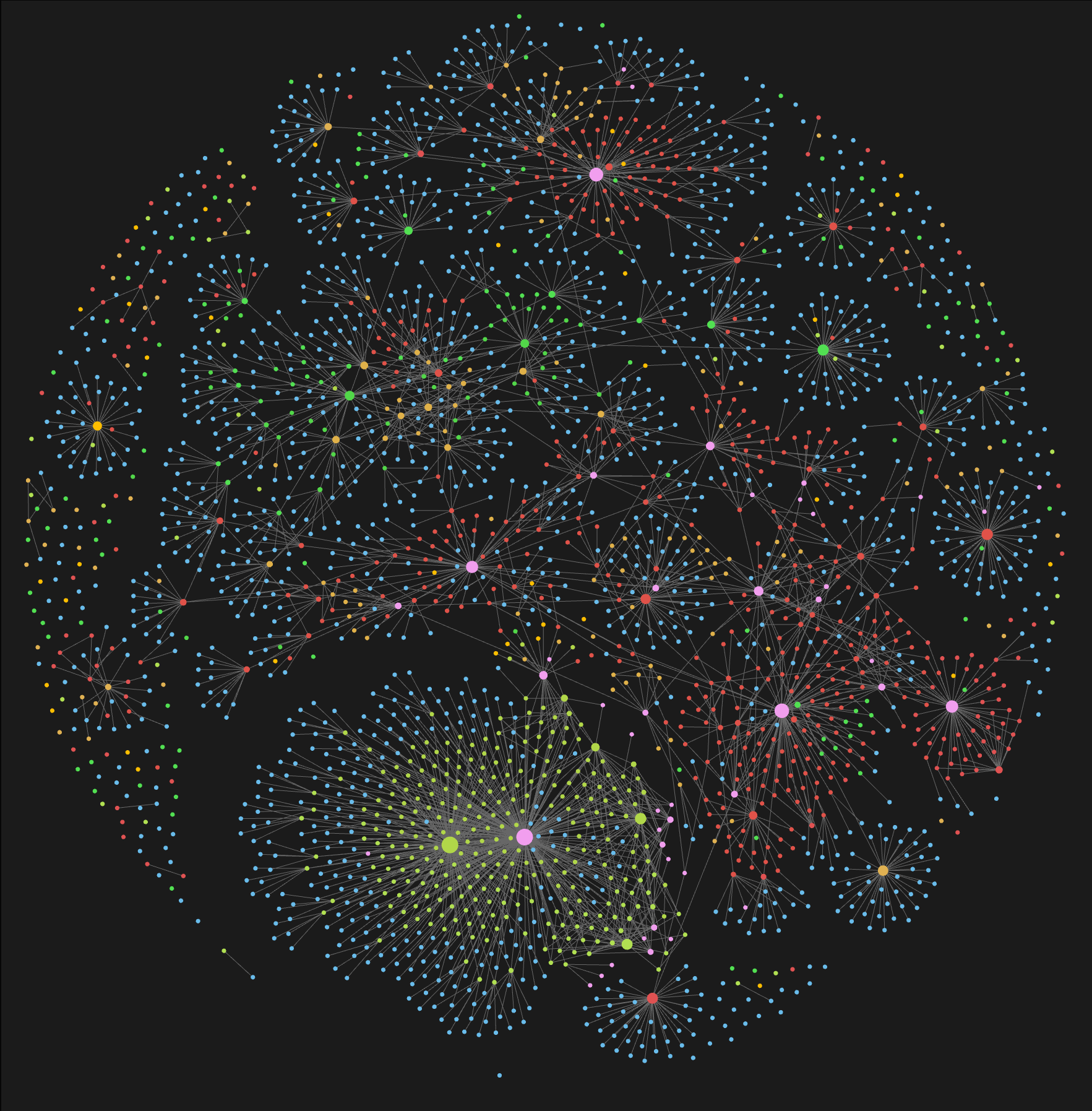
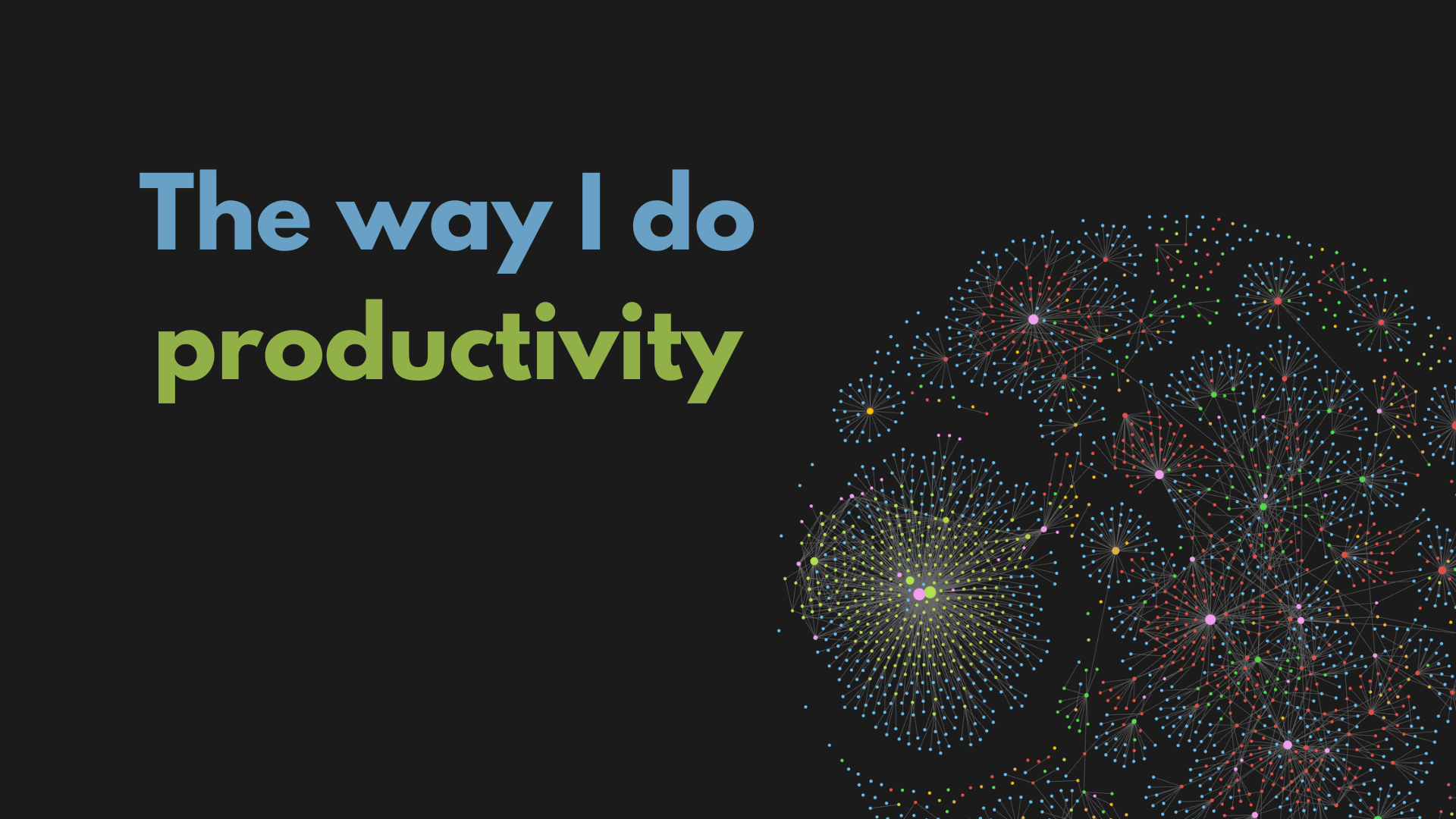
That is the graph from Obsidian. It is considered as some Wow feature of the app, but I do not see a proper use for my needs. So, I use it only for showing off.
:)
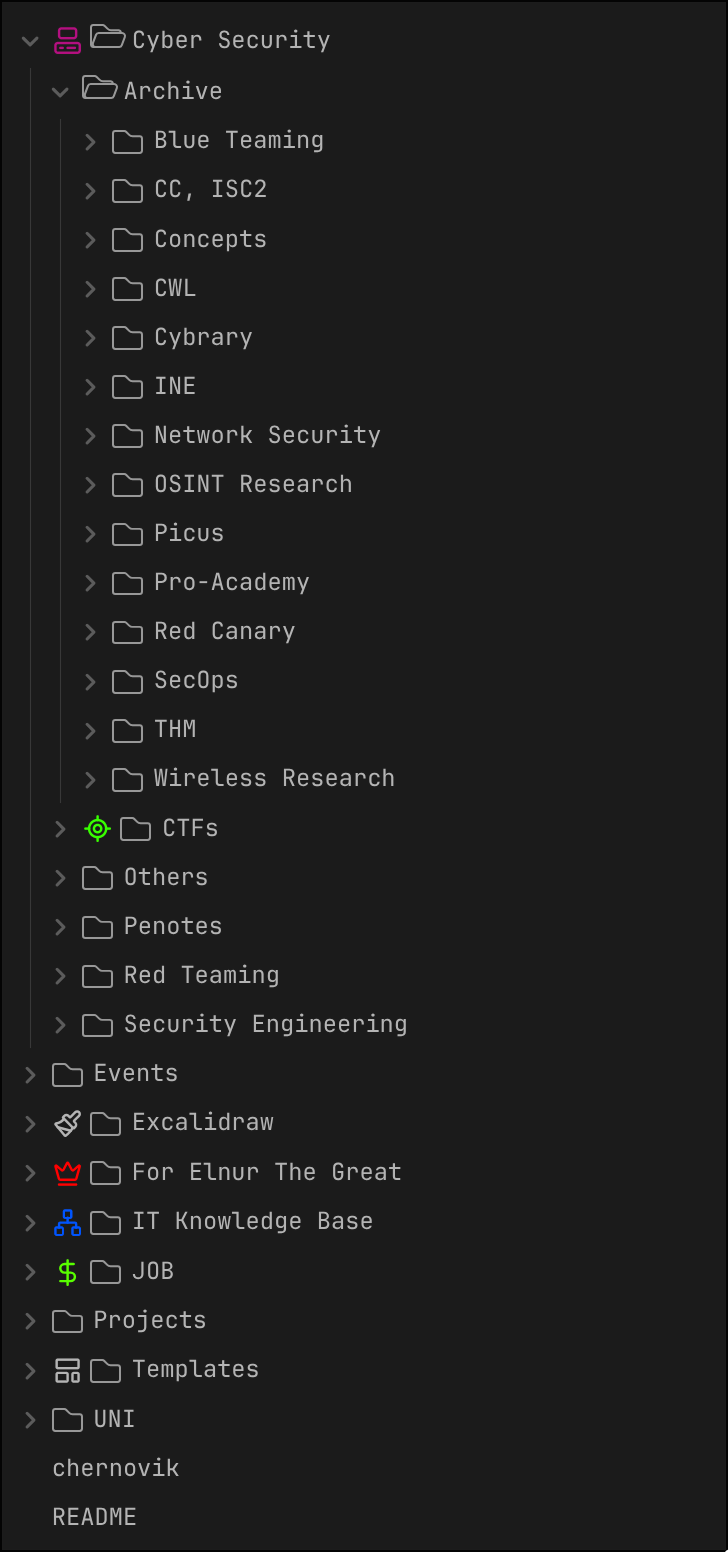
Such apps also allow you to organize the information into any structure in almost any style and format. As I am a markdown enjoyer, all my notes are in markdown.
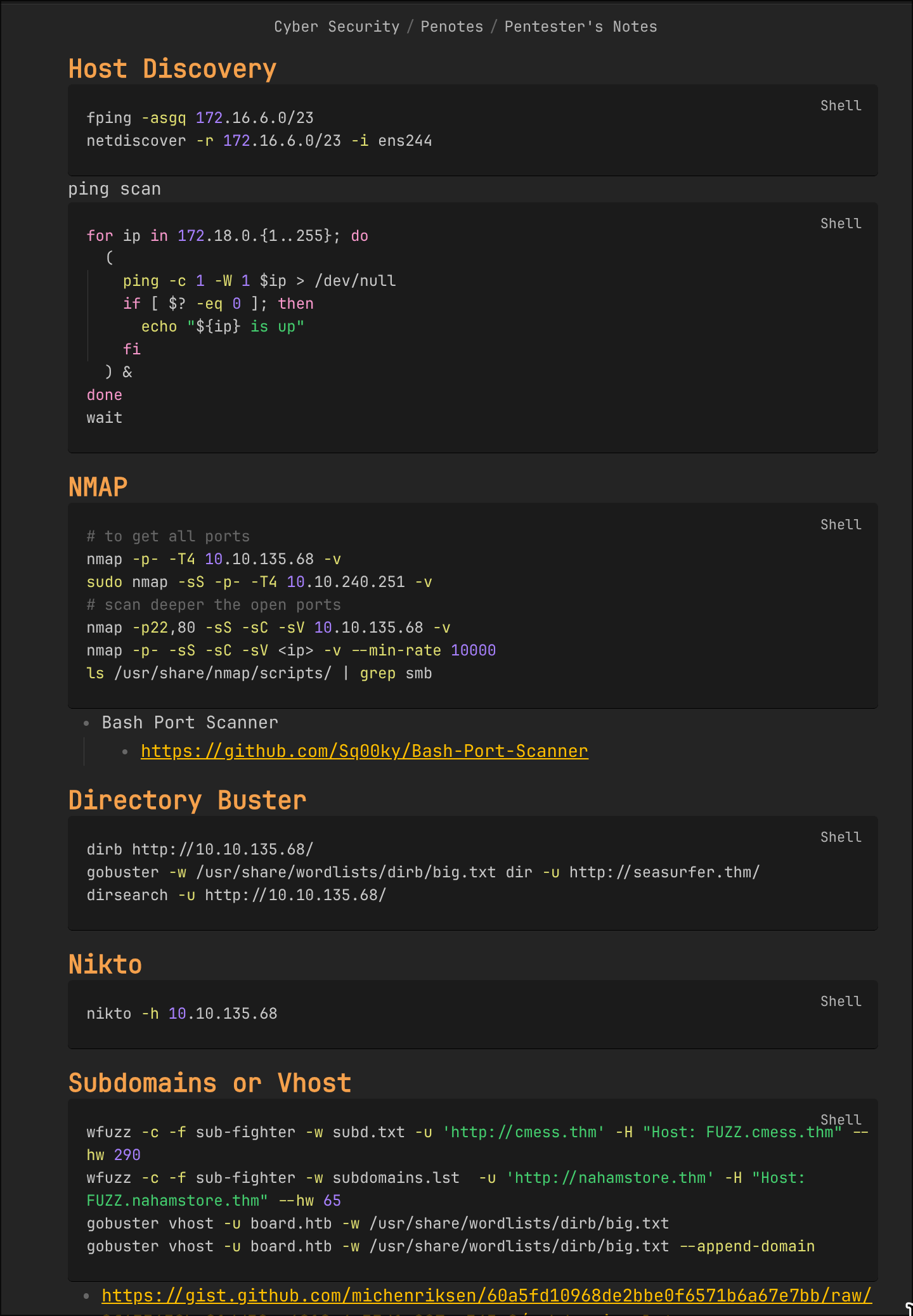
And an example page from my notes:
Treat the next sections as examples of what you can do inside such an app.
ToDos
What are you gonna do tomorrow? Most likely you remember it now. But, do you remember the thing you promised to do a week or two ago? Nope. It is gone. Maybe, you gonna remember it soon, maybe not.
What do I do? In some ways, I run my life like a project. I note what I gonna do in the near future, in the far future. I categorize them. I prioritize them. I always know and see what my next steps are. Even this article is in the list.
From one point of view, you know your future, and from another, you feel better when you click on the checkbox of yet another task.
How to keep ToDos?:
- Study
  - [ ] English
    - [ ] Writing Task
    - [ ] Reading Task
- Life
  - [ ] Renew passport
  - [ ] Prepare a gift for aunt
- Hobby
  - [ ] Create a Mansion in Minecraft
That is the simplest variant. You can do it in a notebook, you can do it in the app. I prefer the app.
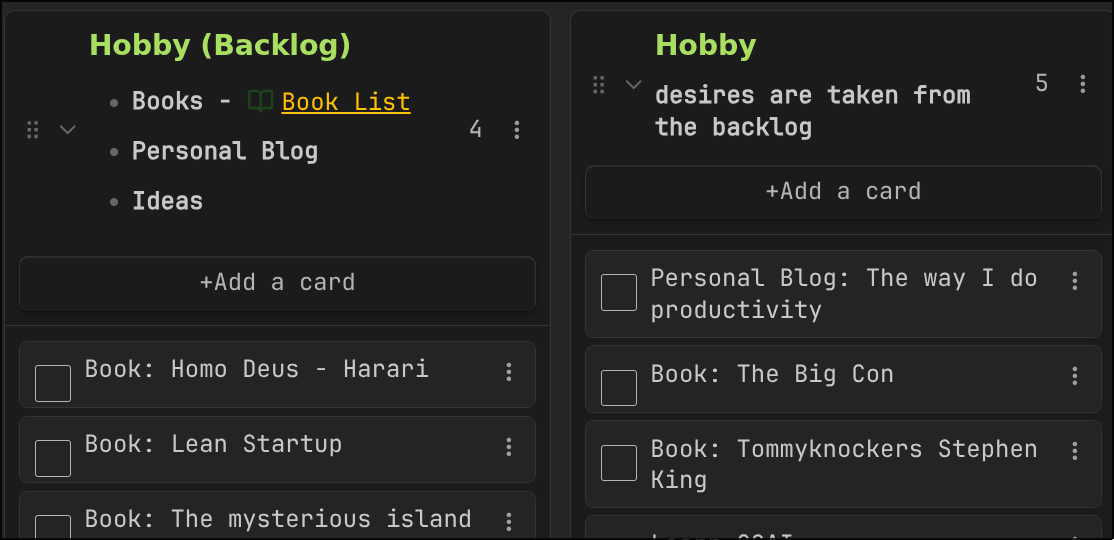
Here you can see a fragment from my Kanban board. I write down ideas, books, interesting topics that I gonna try out into the backlog. And as I find time for them, I retrieve the item onto the current list. And at the end I will be happy with publishing this article.

Since I started tracking like this, I do not remember the last time I forgot a promise or missed a deadline.
Calendar
Okay, you have the abstract representation of your future actions. But exactly when and in what timeframe are you gonna accomplish those actions? You should see your time and own it, so you actually live it.
You can use any calendar app you want. The options I tried:
- Google Calendar (covers all needs, but you gonna find out how it affects the ads you see
:)) - plugin to a note-taking app (also good, but I could not have it work properly on my phone)
- Proton Calendar (in terms of features, worse than Google, but they promise privacy)
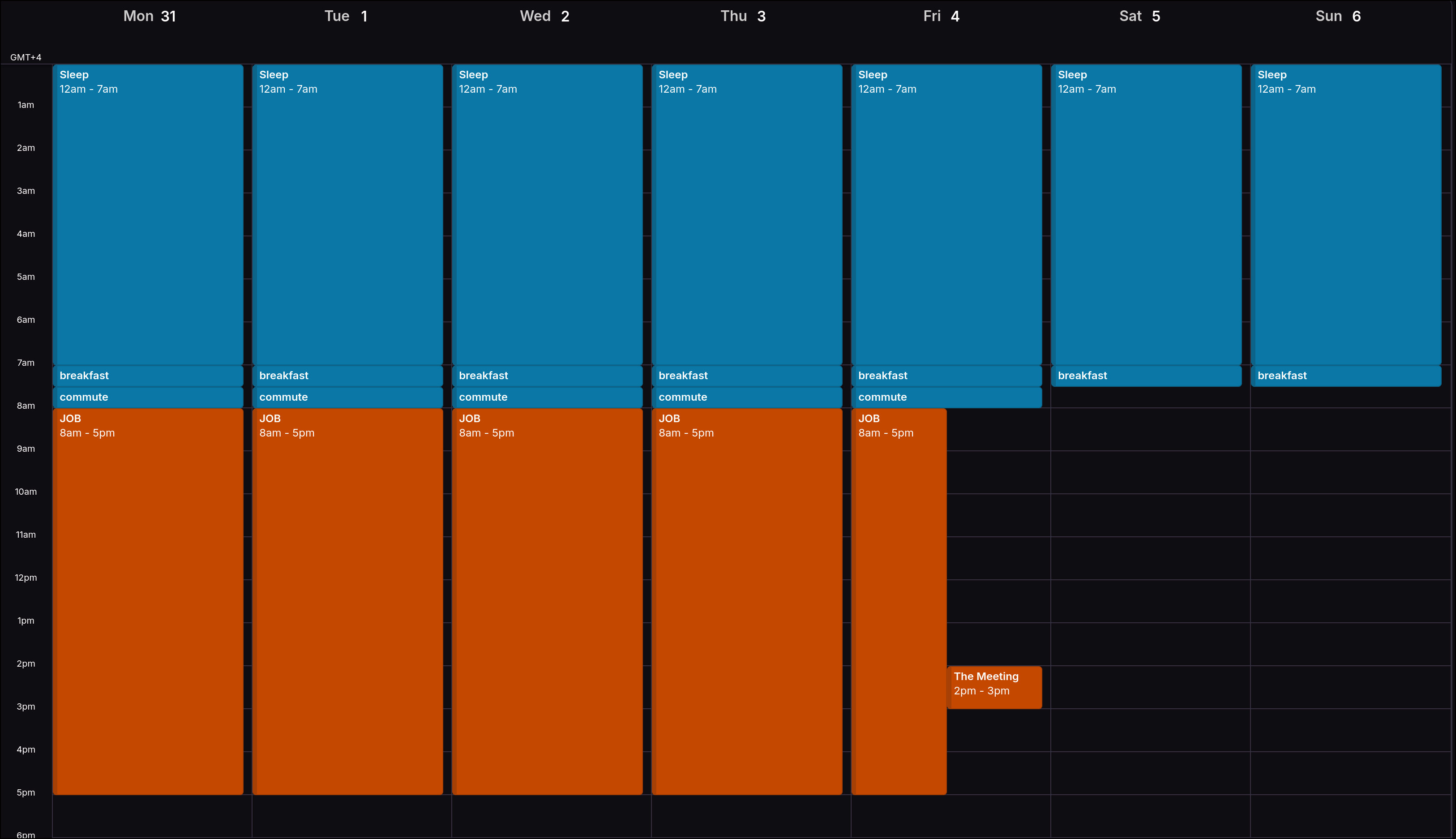
That is a template I have for each week. As the week approaches, I adjust it. I add my tasks over it, I plan what I gonna do when. So, at the end, I know my near future.
Diary
If your long-term memory is weak, you should put the memory into an information bearer (a.k.a. paper or a digital document), so the memory is not erased.
It is sad to understand sometimes that you have already forgotten some memories, and only the tiny fragments are in place. Sometimes you recall something you had not thought about for years, and you realize how close you came to losing it - a precious memory.
Actually, my very close friend once suggested having a diary, to depict emotions and inner thoughts. I am very glad that I listened and started keeping it.
I see no need to depict each day, only the prominent ones are enough - like once a week, “compact” your thoughts into one document.
Yet again, I use my note-taking app to keep those memories, with the following tree structure:
2025
  01.2025
    05.01.2025 - First Snow, Good Friends, Vacation
    12.01.2025 - Raise, Finances, Stocks
    27.01.2025 - Bad Days, Cat got sick,
  02.2025
    03.02.2025 - Cat Healthy, Me Unhealthy
    ...
  ...
  12.2025
2026
  01.2026
  ...
I kind of treat myself as an AI Agent in this aspect. I do not want myself to lose context and hallucinate
:)
Accounting
I think you see the pattern. I fear the uncertain future. So I materialize it in any possible way. And it is also applicable to how I do Accounting. I have dedicated an entire article to it. Check it out!
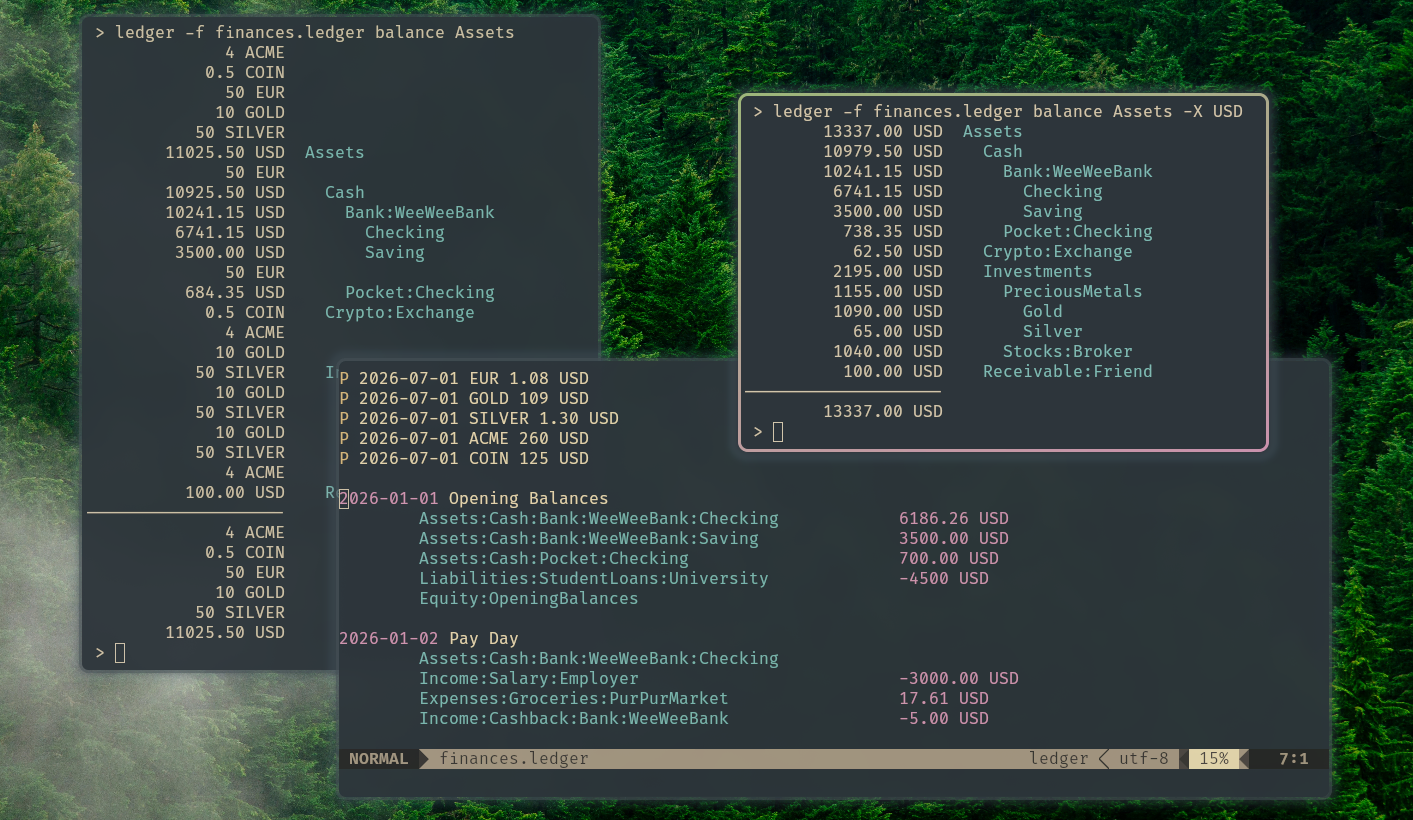
In short, I write down all the monetary transactions into a digital document on my laptop. It allows me to get statistics and forecast my wealth.
IT Productivity
That was about life in general. The second part is about where I spend most of my day, the computer, and the same need for control carries over.
Linux
The Philosophy
If you use Windows, you just accept what is offered. You can be productive. You can be happy. But when you give attention to details, you understand that you have no power in the system. Maybe you have the administrator account, but Microsoft is the owner of your laptop. You are restricted from actions that you are not even aware of. You may feel like you are in love with the OS, but in reality you are a hostage with Stockholm syndrome.
However, if you want to break free, to become the master of your laptop, and to max out the way you interact with the hardware, then Linux is the way. The control, the stability, the ownership, the knowledge, the true conscious happiness.
You can choose whatever Desktop Environment you want, such as GNOME or KDE. If you do not like them, build your own on top of a Window Manager, such as Hyprland. You choose what runs on the system and what does not. You freely opt out of any telemetry or privacy violation. You have the right to say No to commercial software. You are a free man.
The OS
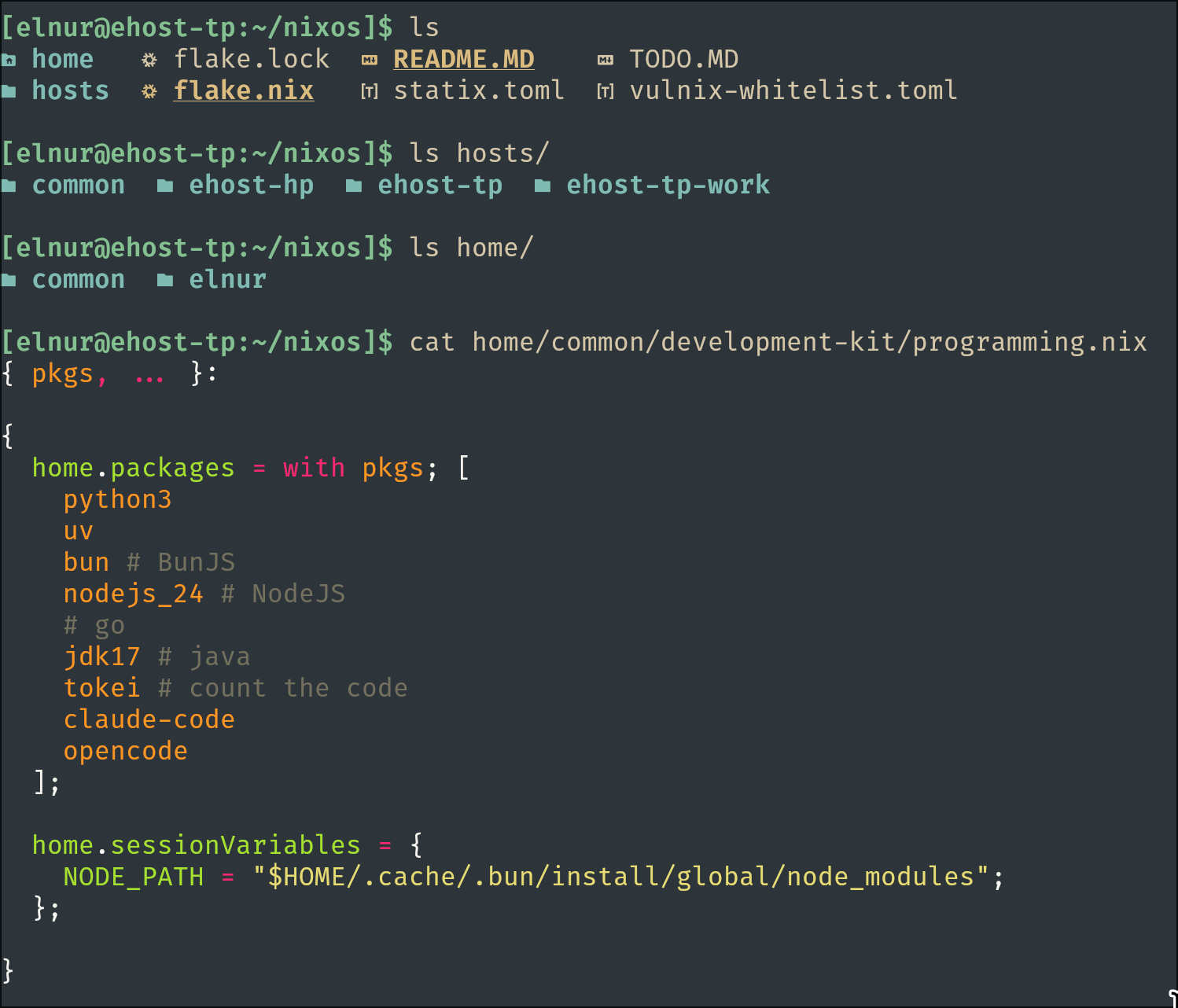
I use NixOS, btw. As I control my life, I should also control what I have on my system. As a former user of Arch Linux, I used to have problems managing the host. I tried somehow to keep track of all the configs and apps. But it got out of hand too quickly. And after I got familiar with the new approach that this distro presents, I think I switched to it forever.
It allows me to manage the host entirely declaratively. So, everything I have on the system is a single code base of nix files.
Command Line Interface
The Terminal is a lifestyle. You should gradually (not at once) incorporate some CLI tools into your daily routine. The first thing after basic commands is to get familiar with vim. The other things come with experience. As you develop, as you deploy, as you operate, you will understand your needs. The most important thing is to be open to new tech in your workflows.
Here is the list, look each one up when you are curious:
- better versions of the classics (
cat,ls,tree,find,grep, and fuzzy finding): bat, eza, broot, fd, ripgrep, fzf - disk usage and system monitoring: dust, duf, dua, btop
- the editor: neovim
- slicing JSON, YAML and CSV: jq, yq, tabview
- HTTP and SSH: httpie, fast-ssh, oha
- git and container dashboards: tig, lazygit, tokei, lazydocker, ctop
- docs, accounting, recording and slides: tldr, ledger, asciinema, presenterm
AI Agents
I will leave this section empty. You have heard enough about it already.
Backups
Everything above lives as files: notes, todos, memories, accounting, configs. And files die with the disk they sit on. Losing them is the uncertain future in its purest form, so I do not gamble on a single copy.
My rule is boring on purpose: keep the data in more than one place, and keep at least one copy off my machine. The plain-text stuff (notes, NixOS config) already lives in git, so it is versioned and mirrored for free. The rest I push on a schedule and forget about, until the day a disk dies and I do not lose a thing.
Conclusion
There are a lot of ways to make your life productive. This is just the one that works for me, and I did not build it in a day.
You do not have to copy the whole thing. Pick one item, try it for a week, and keep it only if it sticks. Start with small steps. Do the bare minimum, and you will already be in a much better state than before. :)